


When I began my tech writing journey in the 2010s, tablets weren’t taken seriously by a section of consumers. We, as young tech journalists back then, were often given tablets for review, and the general perception was that tablets were neither as powerful as laptops nor as convenient as smartphones. Even the iPad, although the gold standard in tablets, had its fair share of flaws and was never considered a Mac replacement.
Cut to 2026, and I would be lying if I said tablets, as a product category, still surprise me. There have been many ups and downs, from being mocked as poor cousins of smartphones to becoming some of the most versatile devices available today.

In the past two to three years, tablets, especially at the higher end, have started to feel “closer” to laptops. The new OnePlus Pad 4, which I have had for a few days, is a classic example of a tablet that feels like a “casual computer”. At least, that’s how I felt using it as my daily work-and-play device. But then, as I figured out during the review process, it’s not as straightforward to review a premium tablet like the OnePlus Pad, something glitzy marketing campaigns never tell you.
As a consumer, you should question what you are really going to do on a tablet: whether it can truly replace your aging laptop, whether you can run pro-grade applications, and what the total cost of ownership looks like once you factor in accessories.
Here I am, telling you the good and bad aspects of the OnePlus Pad 4 and whether it makes sense to spend on a premium tablet in 2026.
What: OnePlus Pad 4| Price: Rs 59,999 onwards
Disclaimer: OnePlus loaned me the highest-end variant of the Pad 4, with 12GB of RAM and 512GB of storage, along with the Stylo Pro pen. The total cost of the set is Rs 70,498.
Not a typical ‘tablet’ size
Sometimes I wonder what the ideal size of a tablet should be. I still consider the iPad mini the ideal tablet size, an 8-inch device small enough to take with me on every trip I make and easy to use on a flight. The OnePlus Pad 4 doesn’t match the idea of a tablet at first: a 13.2-inch glass slab that looks far from a traditional tablet. It feels like a portable TV. Honestly, I feel OnePlus should consider making a magnetic wall mount for future versions of plus-sized tablets. But then, the Pad 4 breaks the myth that a tablet has to be small and compact.
Story continues below this ad
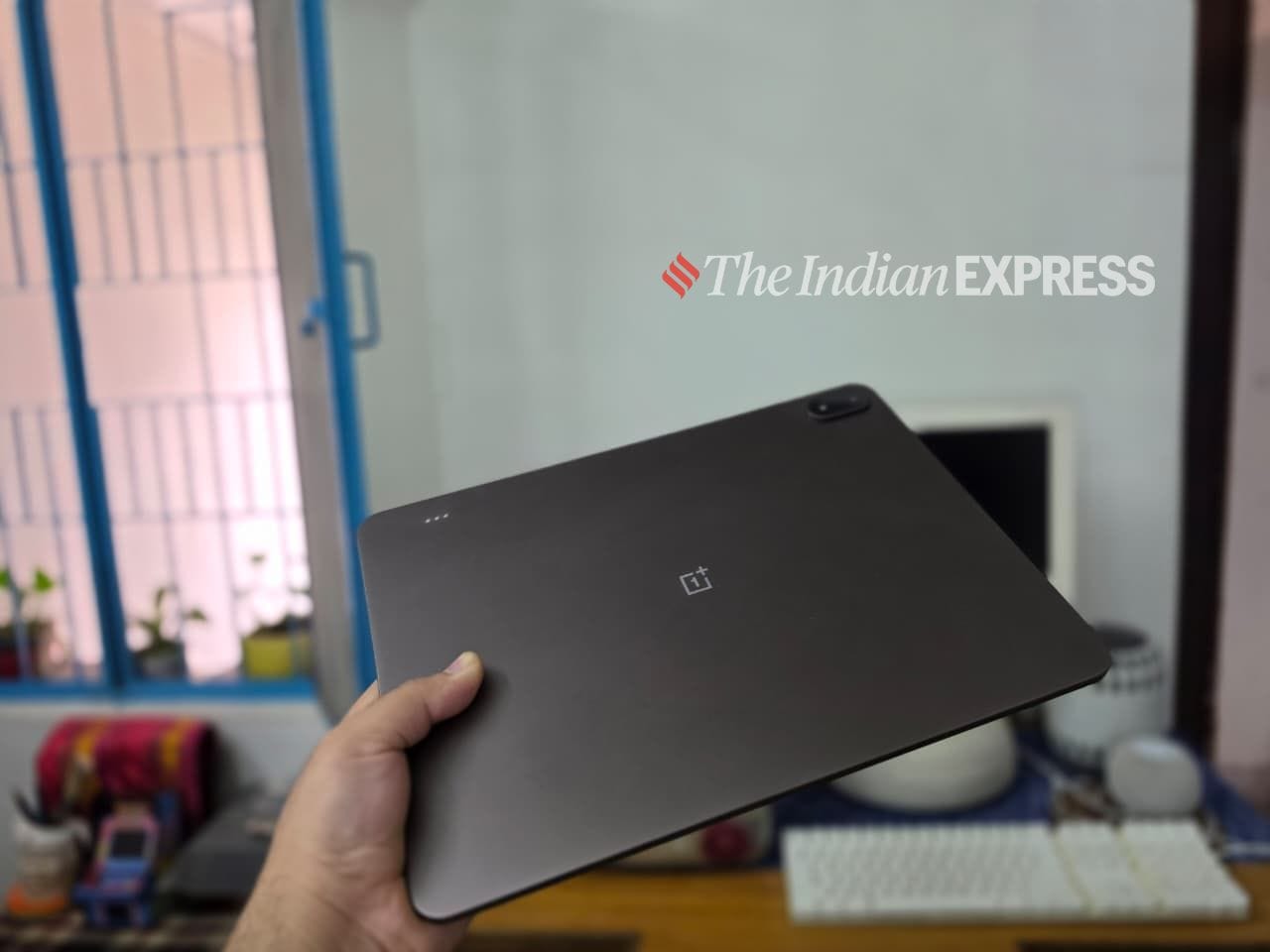

It’s remarkable how the new Pad 4 feels in the hand. It measures 5.94 mm in thickness and weighs 672 grams. It’s hard to express. You have to see it in person to believe how thin and light a 13-inch tablet can be. The radical thinness is a major selling point of the Pad 4, I feel. That being said, the design hasn’t changed much from the Pad 3 that came out last year. You still get the premium aluminum build, a gorgeous flat-edge design, and subtly curved edges with relatively thin bezels.
As I mentioned before, don’t even try to compare the OnePlus Pad 4 to small, compact tablets. I think that comparison isn’t fair. First of all, a device like the Pad 4 isn’t being marketed for reading eBooks, which is why it doesn’t have thick bezels. With a device like the iPad mini, you tend to hold it more like a book, and thicker bezels work well on that iPad. But the OnePlus Pad 4 screams a completely different product altogether.
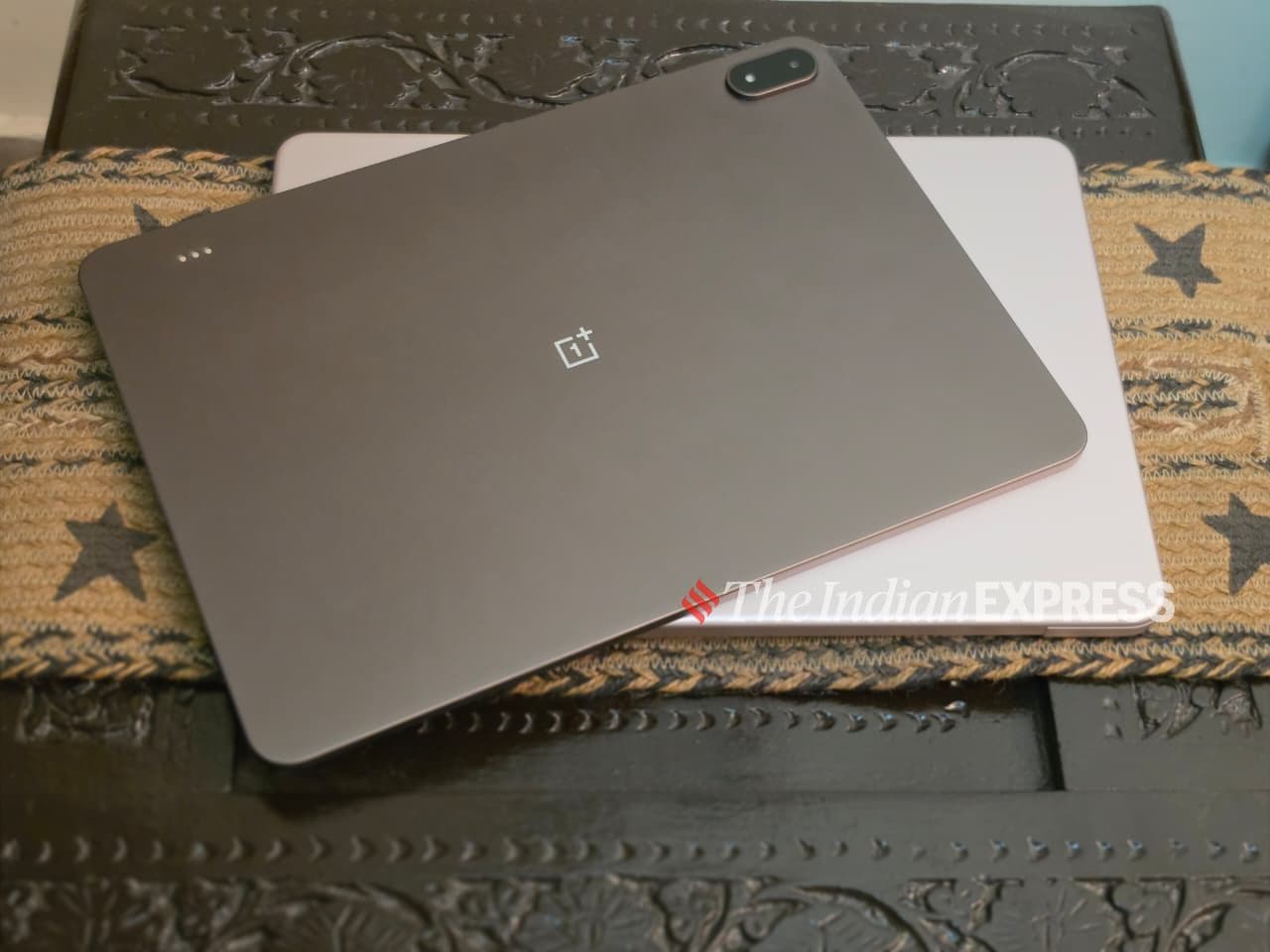
The Dune Glow colour has held up as expected…it looks very different from steel grey, a typical colour you get on a tablet. I still wish brands would experiment more with colours and add a pop of vibrancy. OnePlus went with a brown colour and a mint green option, neither of which is particularly vibrant. But I like how clean the tablet looks. There’s no Pad 4 text, no model number, no serial number. Just nothing. It has a OnePlus logo and nothing else.
A bigger display is great for everything
Although the Pad 4 misses out on an OLED screen, the LCD display is still beautiful to look at. Oh, and at 700 nits, the 13.2-inch Pad 4 display is bright enough for anyone – trust me. I watch a fair amount of YouTube on my Pad 4, and the 3392×2400 resolution and 315 ppi do impress me. It also supports up to a 144 Hz refresh rate, which translates to smooth scrolling on LinkedIn and other apps.
Story continues below this ad
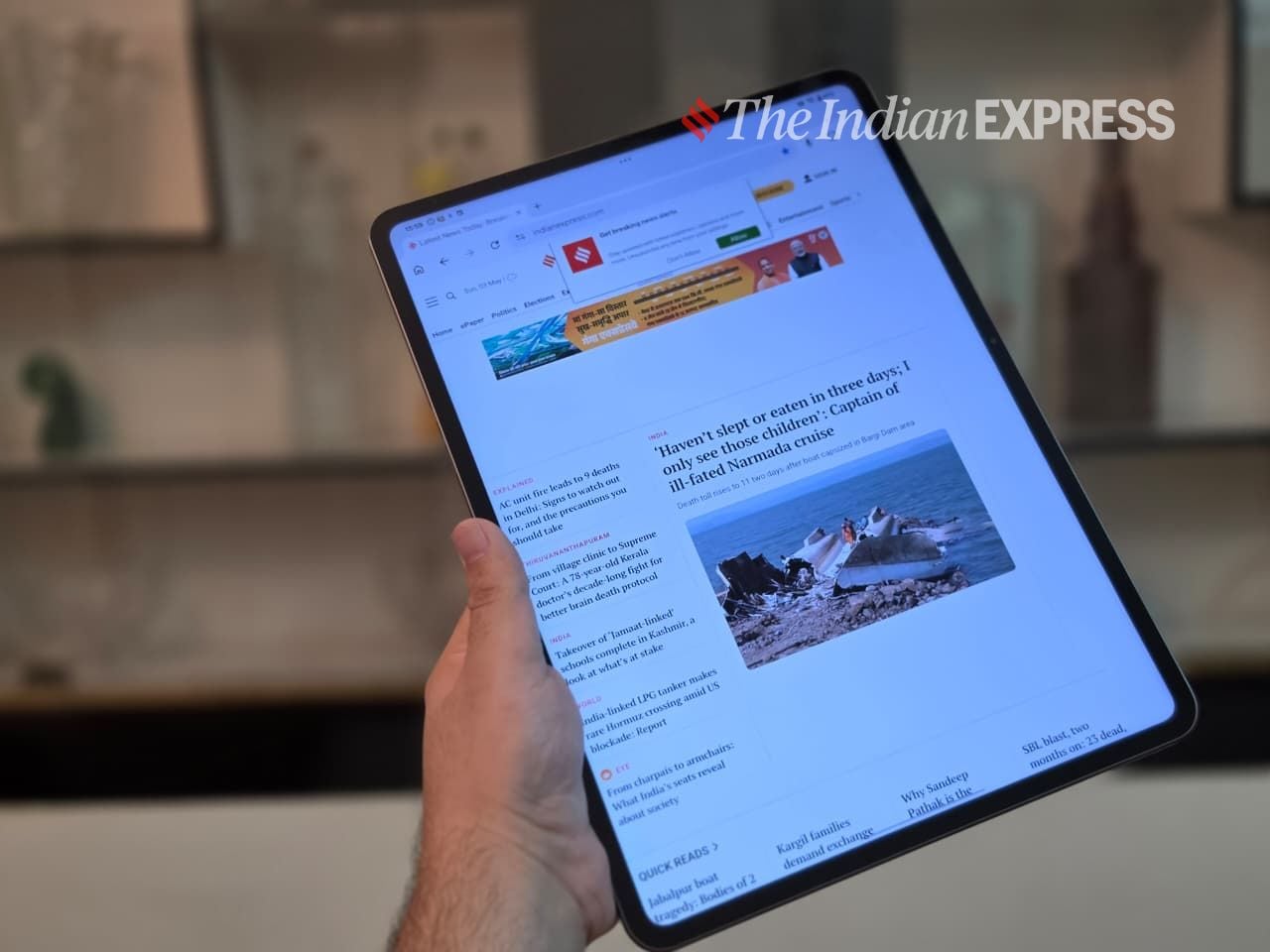
Yes, it may not be the best display, but for everyday use, there’s effectively no change. The 13-inch screen is more than enough for indoor and outdoor use and also mimics a traditional laptop display. Colour accuracy is solid, with support for 98 per cent of the DCI-P3 colour gamut and a Delta E of approximately 0.7, so photos and videos look consistent without needing adjustments. It’s sharp, bright, and consistent –just not pushing into pro-level territory.
After using the 13-inch tablet, I can tell you there’s a lot more screen real estate, and the differences are apparent when coming from an 8-inch tablet or even an 11-inch tablet for that matter. It does make a difference. The 13-inch screen size makes it a fairly effective laptop replacement, at least for most everyday tasks like email, writing documents, web browsing, and the like. For apps like Google Sheets, Adobe Lightroom, and Canva – all of which I use and recommend. This tablet is perfect.
The freedom to choose the keyboard of your choice
For tablets, a keyboard isn’t essential. After all, tablets were once sold on the promise of being great content consumption devices. With modern tablets like the Pad 4, a keyboard makes that even easier. My review is about writing on the Pad 4.
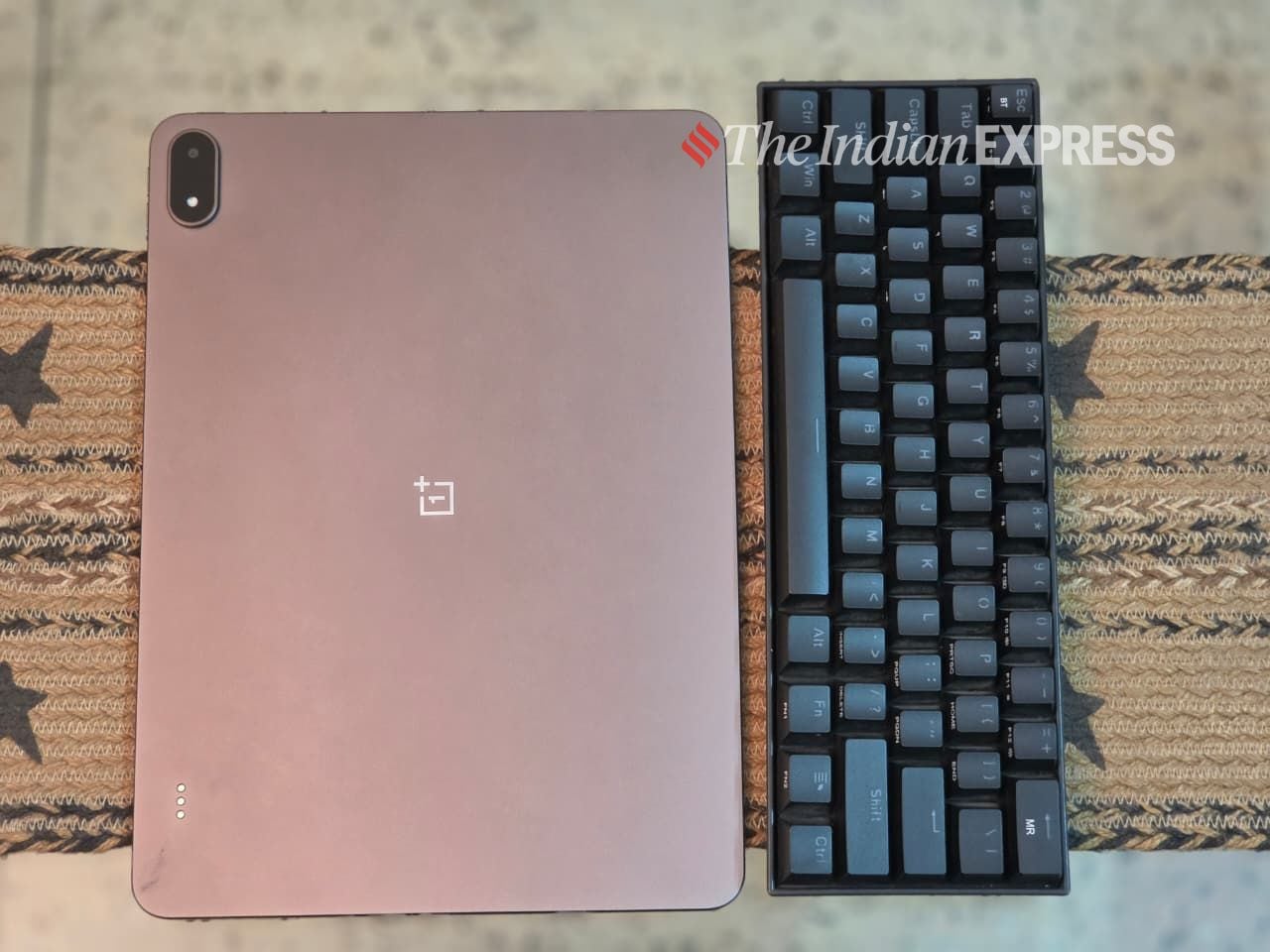
Like Apple, OnePlus too sells its own keyboard which can be tucked to the tablet magnetically. But let me tell you there is no shortage of Bluetooth keyboards to choose from. Any keyboard will work with the Pad 4 with Bluetooth connectivity.
Story continues below this ad
When you shop for these premium tablets, a keyboard is sold as an add-on. I prefer to use my own keyboard because it gives me the freedom to choose one that works for me. I don’t like tablet keyboards, so I prefer to use keyboards that are better suited for typing. The Asus Marshmallow KW 100 is a great keyboard, but you can also choose any Logitech keyboard. However, a word of warning: these are standalone keyboards and work best on a desk, but not always and not for everyone.
A flagship chip inside
As for performance, well, it’s fast, smooth, doesn’t lag, and never crashes. The Qualcomm Snapdragon 8 Elite Gen 5, the same processor that powers the OnePlus 15 and other high-end Android smartphones, keeps the performance as fast and responsive as it was on day one. My review unit also came with 12GB of RAM and 512GB of storage, which makes the tablet extremely powerful and also well-suited for AI tasks.
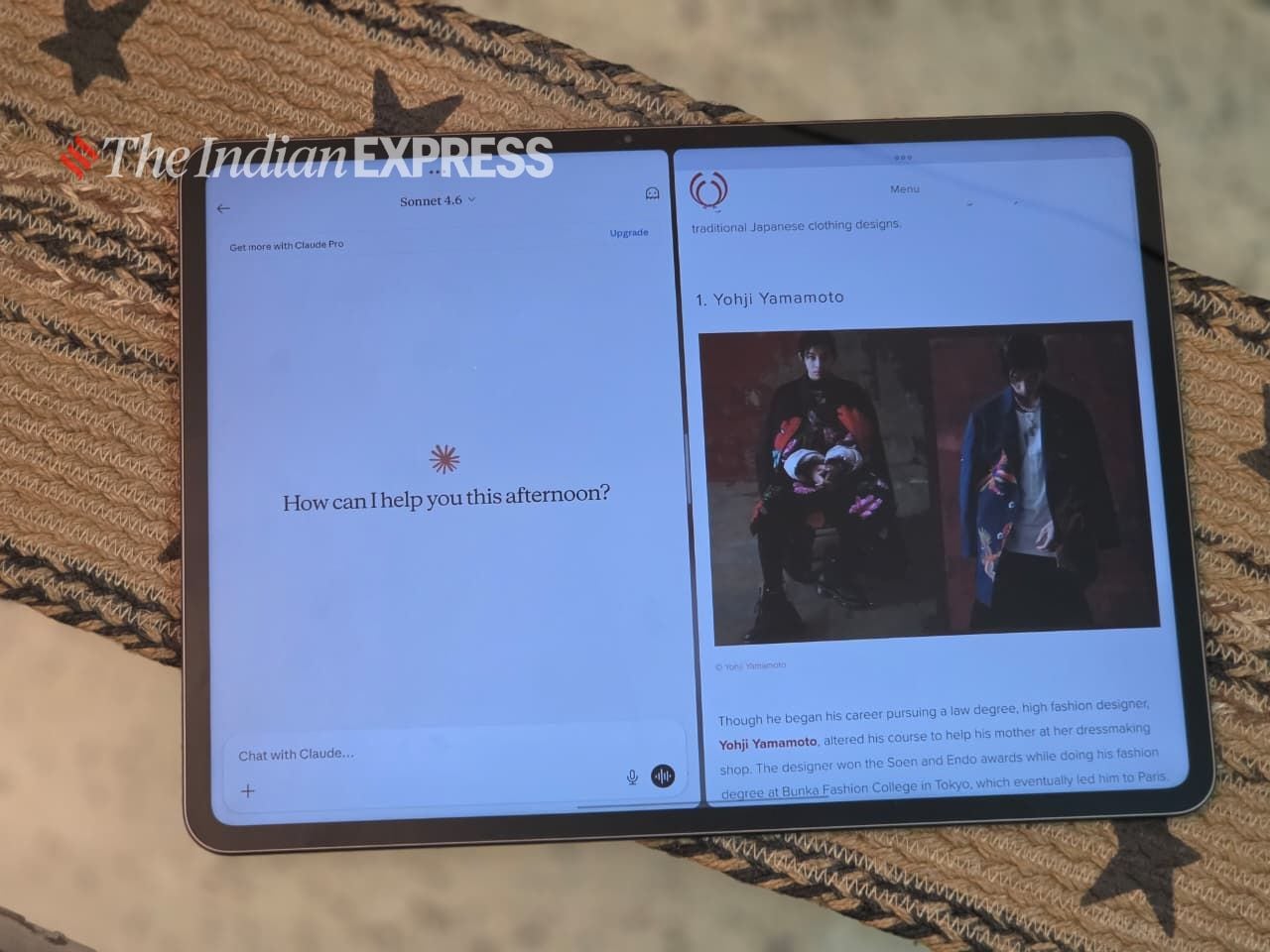
In my day-to-day use, I used the OnePlus Pad 4 as I normally use my laptop. I used it for writing, work meetings on Zoom and Google Meet, trying a bunch of new apps, watching movies, playing games, regular web browsing, WhatsApp Web, and everything else I use a laptop for. Even running AI tools like ChatGPT, Gemini, and Claude. I also paired it with the OnePlus Stylo Pro stylus (sold separately) for taking notes and signing digitally, which I can’t do on a laptop.
For me, at least, the OnePlus Pad 4 is powerful enough and almost too much for average users. But that’s only one part of the story. What also matters is the software, where traditionally tablets have been weaker compared to Windows laptops and Macs. However, companies are really trying hard to bridge the gap and making tablets closer to laptops in software experience.
Story continues below this ad
The Pad 4, running OxygenOS 16, leans heavily into productivity. It includes a range of clever features that enhance the experience, such as support for up to five resizable floating windows, along with an improved file manager featuring multi-column views, drag-and-drop functionality, cover previews, and OTG support. There are also cross-device capabilities through O+ Connect, including PC screen mirroring, stylus-based markup, shared keyboard and mouse control, and seamless file transfers across Android, iOS, Windows, and Mac.
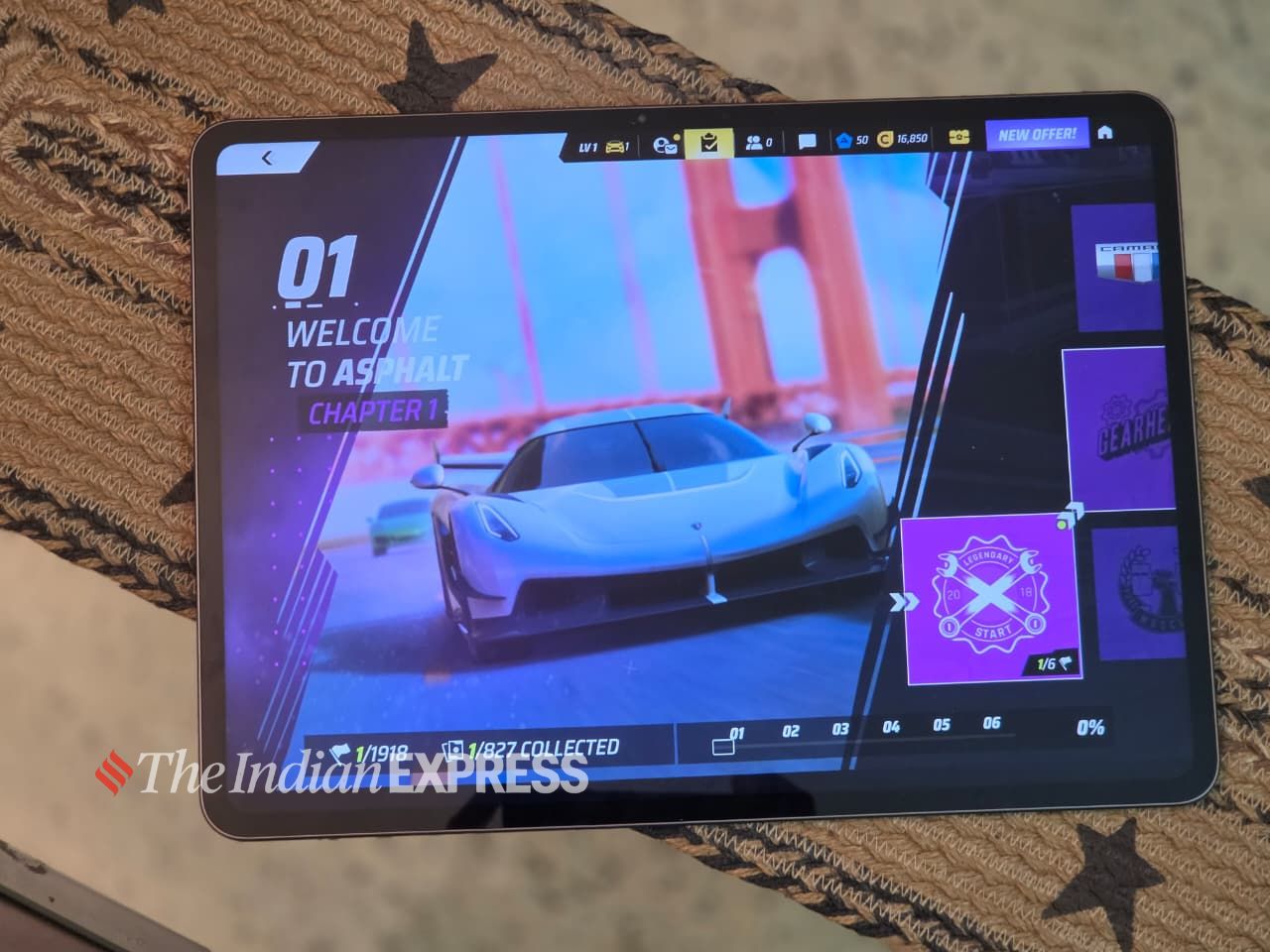
In my testing, Android is still not as flexible as Windows or macOS. Quite honestly, this is one of the biggest problems with tablets and iPads: the software still lags behind the hardware. I still feel that Android is experimental in many ways, and that remains a reality.
Part of the problem may be that some people expect a Windows or Mac desktop experience, and when they don’t get it, they feel let down. That is why working on the Pad 4 or any high-end iPad feels different, but it doesn’t stop you from getting work done on the tablet. You need to admit that 8GB of RAM (the base version has only 8GB of RAM) isn’t enough in the age of artificial intelligence and secondly, if companies want to give a laptop-like workflow and flexibility, one USB-C port isn’t enough.
The question you must be asking is: is the performance overkill or just right for a computing device? I will leave it to you to decide.
Story continues below this ad
Long battery life
No surprise here: battery life is probably the bright spot of the OnePlus Pad 4 Pro package. I was getting 16 to 17 hours of battery life with regular use, partly thanks to a beefier 13,380 mAh battery. That’s great, but I would also point out that tablets have traditionally had the edge in battery life; however, modern laptops are now also offering full-day battery life. So, the advantage tablets once had over laptops in battery life is no longer there.
Do I recommend getting the OnePlus Pad 4?
The answer is Yes and No.
The OnePlus Pad 4 sits somewhere between a tablet and a laptop. For everyday use, it can handle a wide range of tasks, such as writing and note-taking, emailing and browsing, streaming and reading, as well as photo editing and sketching. With a keyboard and a mouse, the Pad 4 functions much like a laptop, but accessories are add-ons and cost extra, so the total cost of ownership increases significantly.
However, tablets, no matter which model you buy, aren’t Windows laptops or Macs. They are designed differently, even though the lines between tablets and notebooks are blurring. You can’t perform high-end productivity tasks or coding on them to the same extent as you can on a laptop. That said, the launch of the MacBook Neo will put pressure on tablets, including Apple’s own iPad. I have been using the Neo for the past few days, and while it comes with some trade-offs, my overall experience has been quite impressive. It is lightweight, has long battery life, and runs macOS. In some ways, the OnePlus Pad 4 offers advantages over the MacBook Neo: it has a touchscreen, stylus support, and a rear camera. It’s also more flexible and versatile, allowing you to choose a keyboard of your choice and use the tablet in different ways.
Story continues below this ad
In defence of tablets
More than someone who has spent years in the tech industry, I consider myself a writer and an editor, which means I write a lot–probably thousands of words in a week. I believe there is a segment of consumers who will love the OnePlus Pad 4:
a) The well-lit, high-resolution screen means your eyes don’t tire as quickly. You can work for longer stretches and maintain focus for extended periods. b) The Pad 4 is much thinner and lighter than a laptop, any day. c) There are no moving parts, unlike a laptop, and no hinge, which makes it more robust than a laptop. d) The Pad 4 runs cooler than traditional laptops and doesn’t overheat. e) The Pad 4 is always ready to go the moment you turn it on. Sure, modern laptops can do the same, but in my experience, Windows laptops aren’t as snappy as tablets.
Frequently Asked Questions
How is the audio quality on the OnePlus Pad 4?
The tablet has an eight-speaker system comprising four woofers and four tweeters, so you should hear your content whichever way you hold it. It’s plenty loud considering its skinny profile.
Story continues below this ad
Is it true that the OnePlus Pad 4 lacks Widevine L1 certification?
The device lacks Widevine L1 certification, so streaming apps like Netflix and Prime Video are limited to SD quality. A software update may fix this issue, but the question is whether OnePlus will address it or leave it as it is.
Does the OnePlus Pad 4 support 5G?
No, the Pad 4 is being sold with Wi-Fi only and without 5G support.